
Barcode scanner
Scan the barcode, log the food.
Nutrition values come from Open Food Facts, per 100 g and per portion when the package lists one.
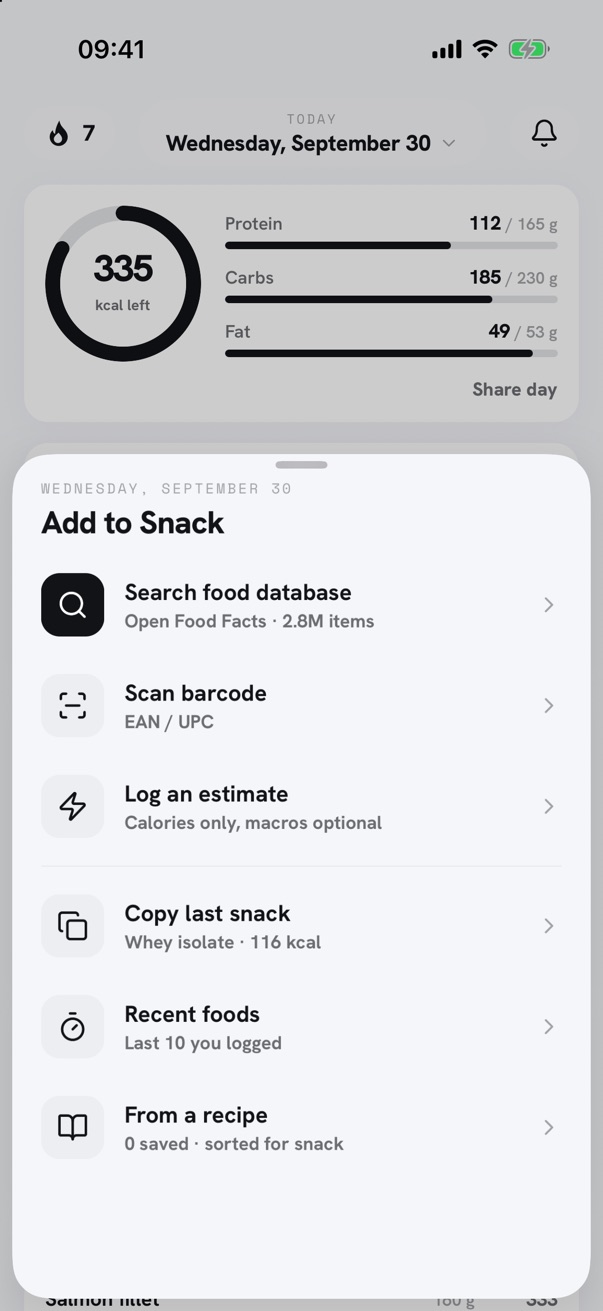
Open Food Facts
The scan looks the product up in Open Food Facts, an open database of packaged foods built from their labels.
Grams or portions
The quantity opens in portions when the package gives a serving size, and either unit can then be used. Otherwise it opens at 100 g.
When a product is missing
A product that is not in the database can be added by hand with the values from its label, then logged like any other food.
Counted against the day
Each logged food updates calories remaining and the protein, carbs and fat totals for the day.
Free
Barcode scanning, with no limit on the number of scans.
Questions
- Where do the nutrition values come from?
- From Open Food Facts, an open database built by contributors from product labels. Values are per 100 g, as printed on the package.
- What happens when a barcode isn't found?
- Stacks offers to scan again or to add the food by hand, with the values from its label.
- Is there a limit on barcode scans?
- No. Barcode scanning is free and unlimited.
Food and training in one app.
Stacks records meals, macros, workouts and body weight on iPhone.